See where your business stands
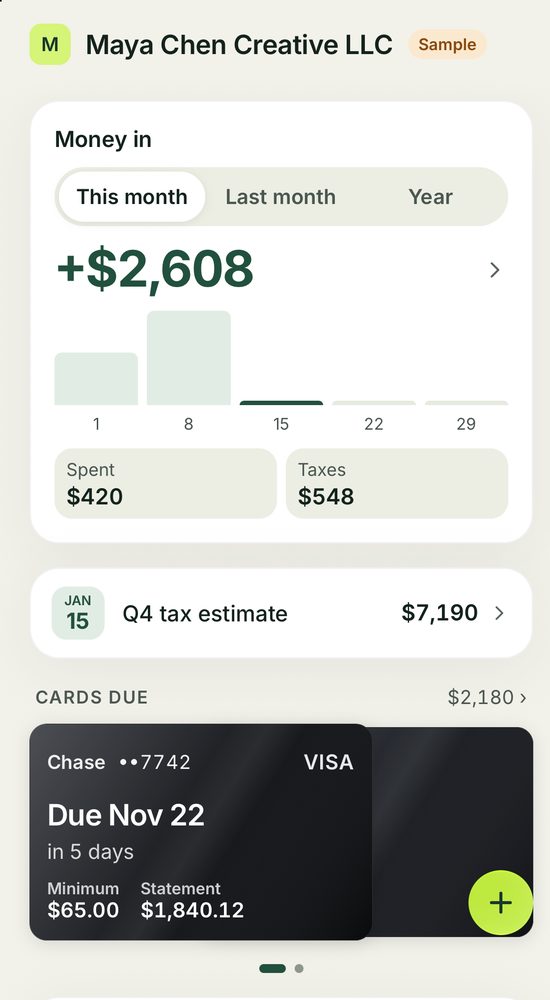
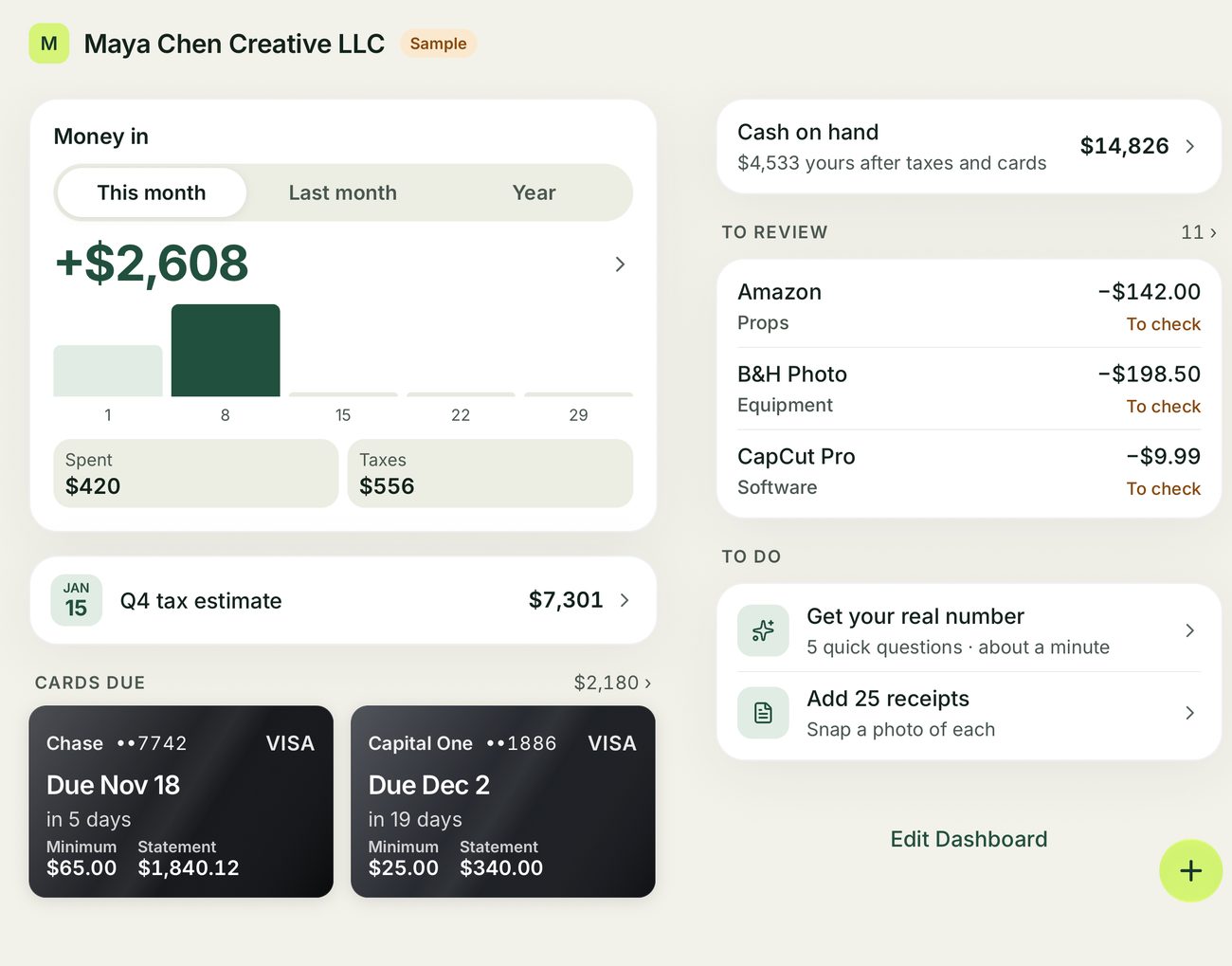
- Money in this month, last month or for the year
- What you spent and what to set aside for taxes
- Your next quarterly payment and which cards are due
- Purchases that still need a look, in one list
Business, personal, or a bit of both
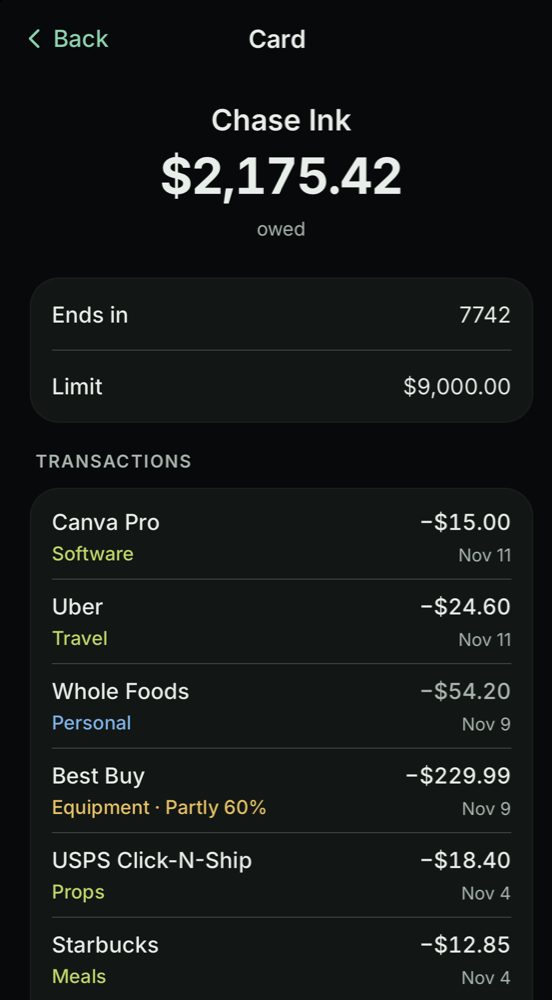
- Every purchase gets a category, like Software, Travel, Meals or Equipment
- Mark personal spending so it stays off your taxes
- Split a purchase by percentage when you use it partly for work
Every account in one place
- Checking, savings and credit cards side by side
- Balances and recent activity for each account
- Connect through Plaid, import a CSV, or add by hand
- Card due dates and payment reminders on Autopilot
Taxes without the guesswork
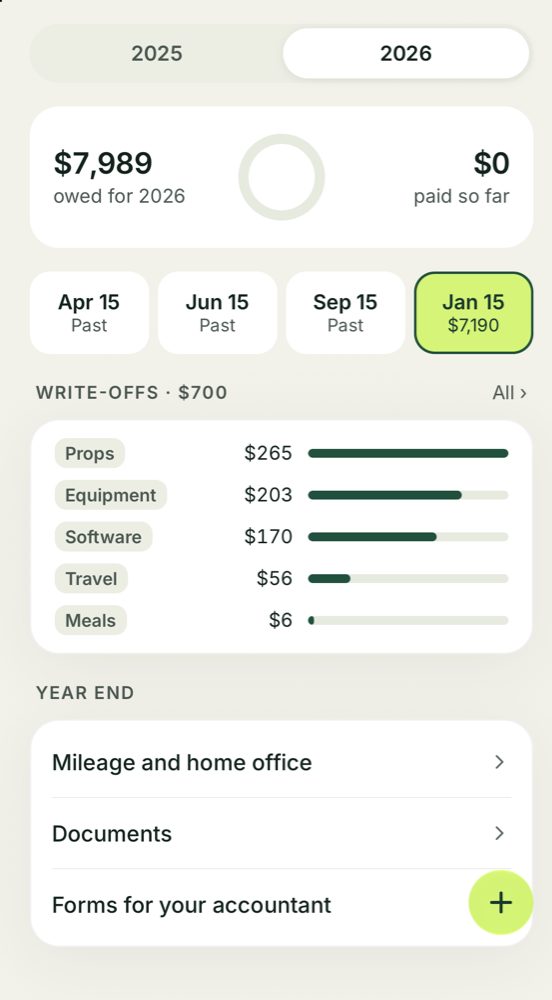
- A running federal estimate, including self-employment tax
- The four quarterly due dates and what to pay on each
- Write-offs added up by category
- Filled Schedule C and Schedule SE to file or hand to your accountant
- Ruvvy can’t e‑file: you file the forms yourself or through a professional
Room to spread out on a tablet or foldable
 Ruvvy